Saved properties and follow-up
Keep the next step with the property.
Save the addresses you want to work on, record each visit and return to your follow-up dates. Keep useful notes with the property instead of in a separate spreadsheet.
Get started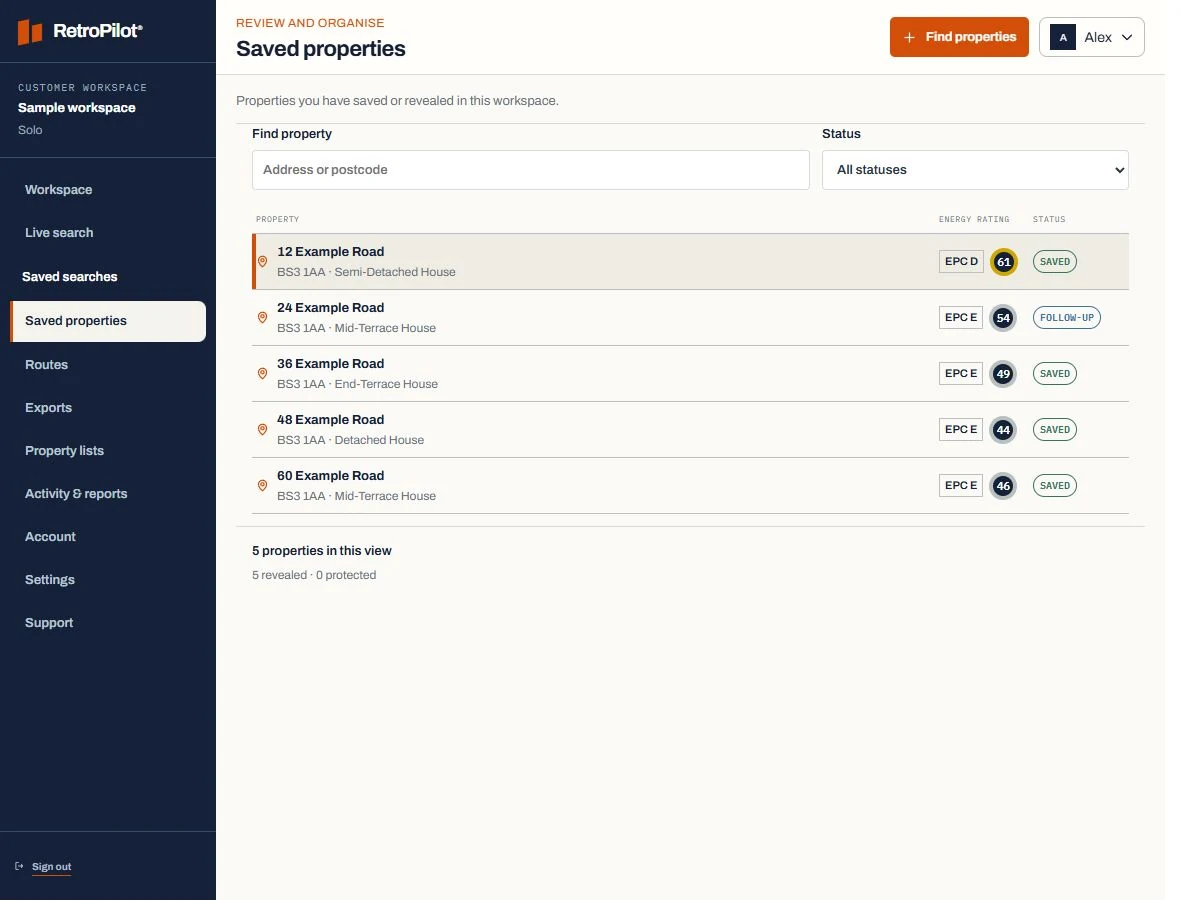
Inside RetroPilot
One place to pick up where you left off.
Choose a property from your saved list to see its details and visit history. Record an outcome, add it to a route or export the available information.
Plans and property creditsFind your saved work
Use address and status filters to return to the properties you need.
Record the visit
Keep no-answer, interested and follow-up outcomes with your notes and next action.
Clear Team visibility
Workers see their own saved/revealed properties and assigned routes. The Team owner can review company work; colleagues' private notes are not shared with other workers.
Next step
Compare Solo and Team