Property research and field work
From property search to the next visit.
Choose the homes relevant to your work, plan a route and record the result at each door. Your research and field activity stay together in one Solo or Team workspace.
Get started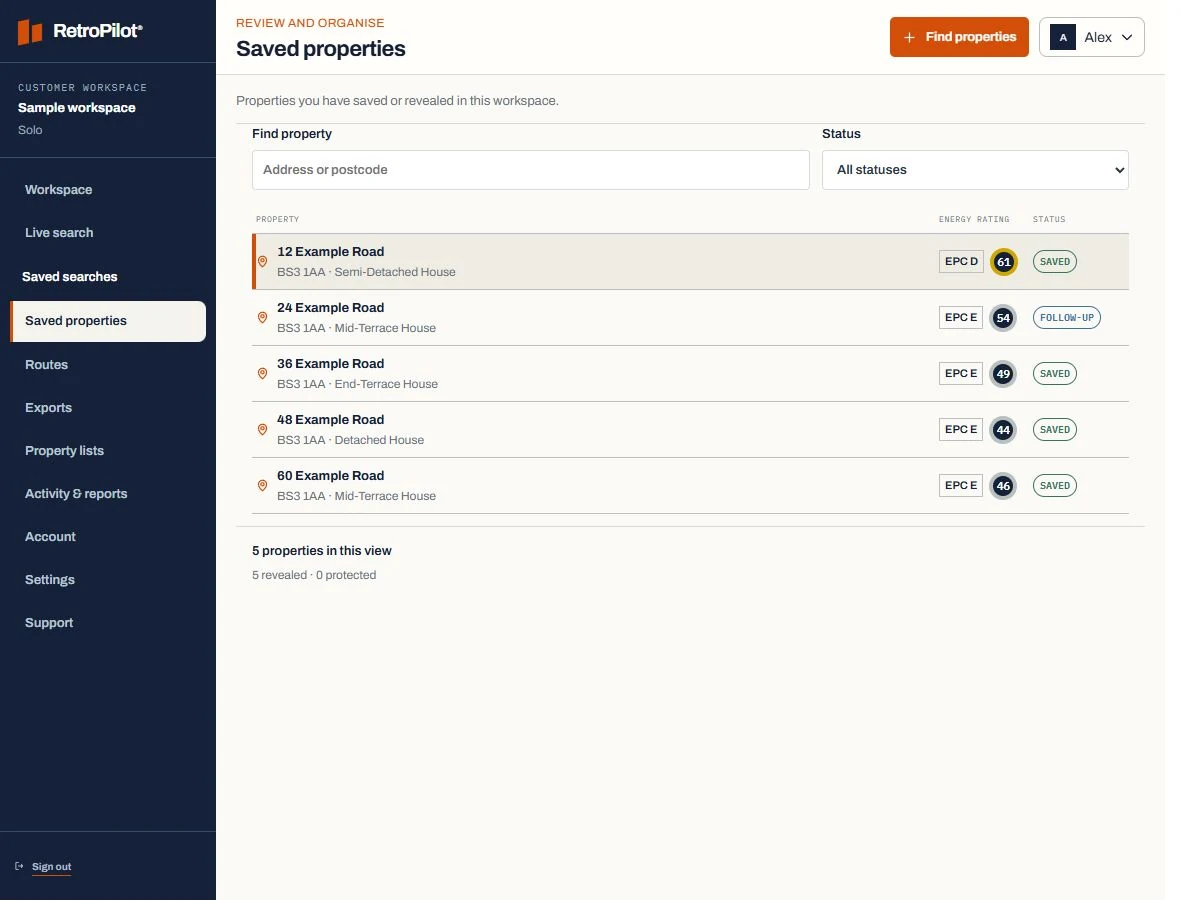
Inside RetroPilot
See the property and the next action together.
Reopen a saved address to review its recorded details, plan a visit or check your follow-up. You can move between research and field work without rebuilding your list.
Plans and property creditsSearch your working area
Use a postcode, postcode area or local authority, then filter the recorded property information.
Plan a practical day
Group selected properties into routes and open directions to your next stop.
Keep the visit history
Record outcomes, notes and follow-up dates against the property you visited.
Next step
Compare Solo and Team