Review recorded glazing before planning your visits.
Review recorded glazing, property age and built form before selecting addresses. Keep the properties you want to visit in a list and record what you find at the door.
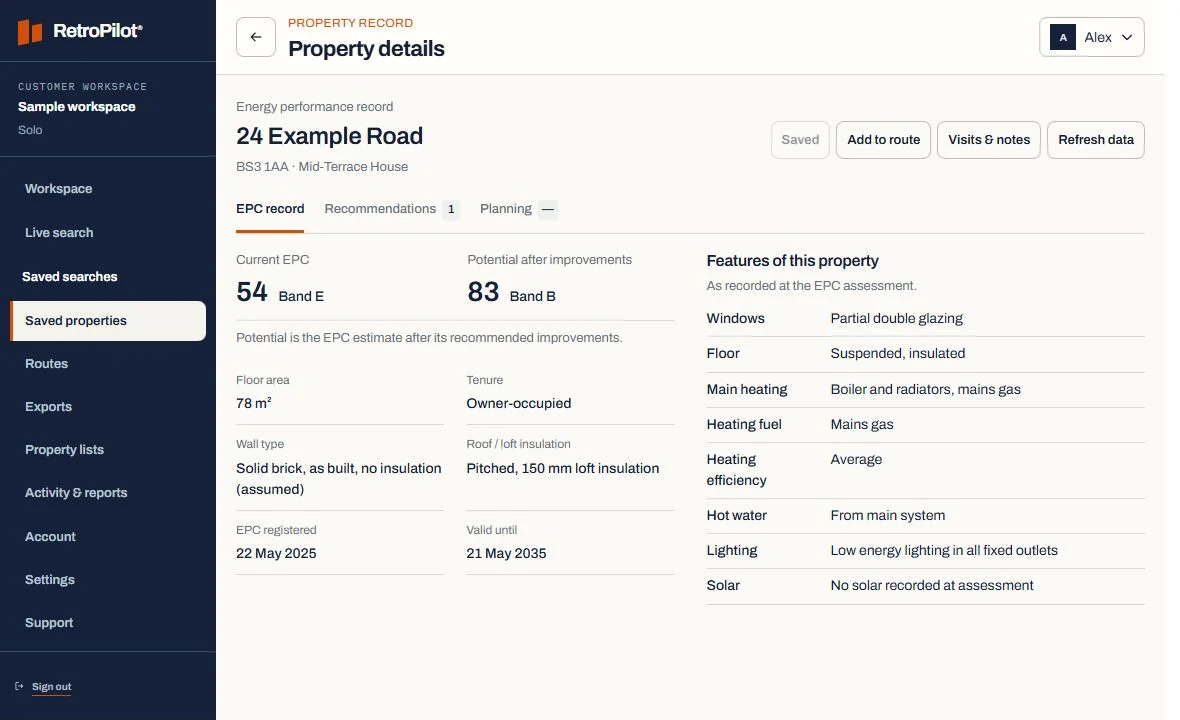
An example property record.
Recorded at assessment.
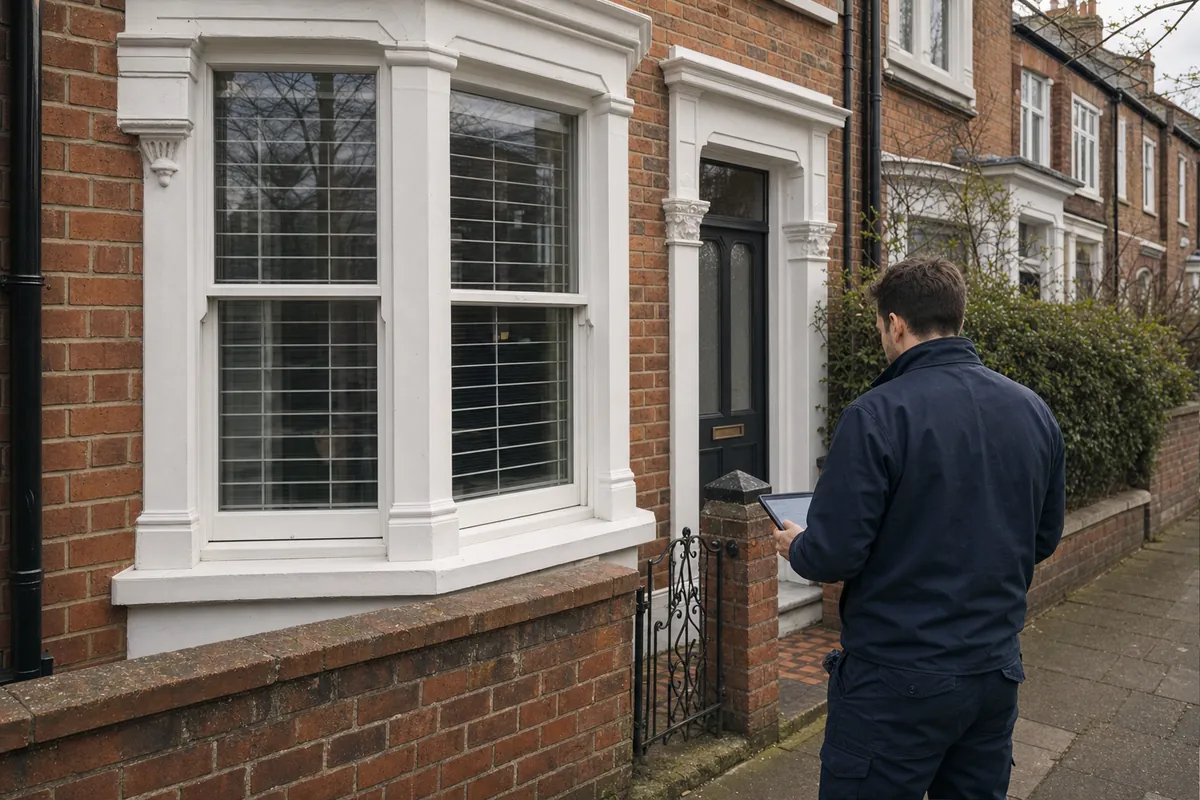
Useful context for frontage types.
Review street continuity.
Verify frame and installation condition.
Review the recorded glazing in your area
Compare recorded glazing, property age and built form across your working area. Shortlist the addresses worth visiting, then check the current window condition with the householder.
See the workflowCompare the recorded glazing
Review the glazing description and available property details together. Save the properties you want to visit and record your findings after the appointment.
Keep every follow-up connected
Save a working set, reveal the addresses you need, record the result and schedule follow-up. Teams can keep ownership and notes attached to the same property rather than rebuilding lists after every campaign.
Window and door fitters: planning your next visits.
What property details can window and door fitters review?
For example, review glazing type, property period, built form alongside the available certificate details. The example values on this page are illustrative. Save the records relevant to your work and confirm the current situation on a visit.
How does an area search become a usable territory?
Start with a postcode or operating area, apply the indicators relevant to the offer and review the resulting housing stock before saving anything. Save the useful properties together, review their recorded details and plan the stops you want to visit.
How current is the property information?
An energy certificate describes the property at its assessment date. Check that date and the available fields when reviewing a record. The Data & coverage page explains the information used by RetroPilot.
How are selected properties prepared for field work?
Every Team member can search using shared credits and build routes for their own work. Team owners can also assign routes. Open the route on your phone, get directions and record a visit outcome.
Does RetroPilot contact households for me?
No. RetroPilot provides property information and tools for organising your work. You choose which properties to approach, carry out the visits and record the results. The Data & coverage page explains the information and its limits.