Give every rep a clear next door.
Let every rep search with shared Team credits, save relevant properties and plan visits. Workers keep their own work and assigned routes; the Team owner can review company activity.
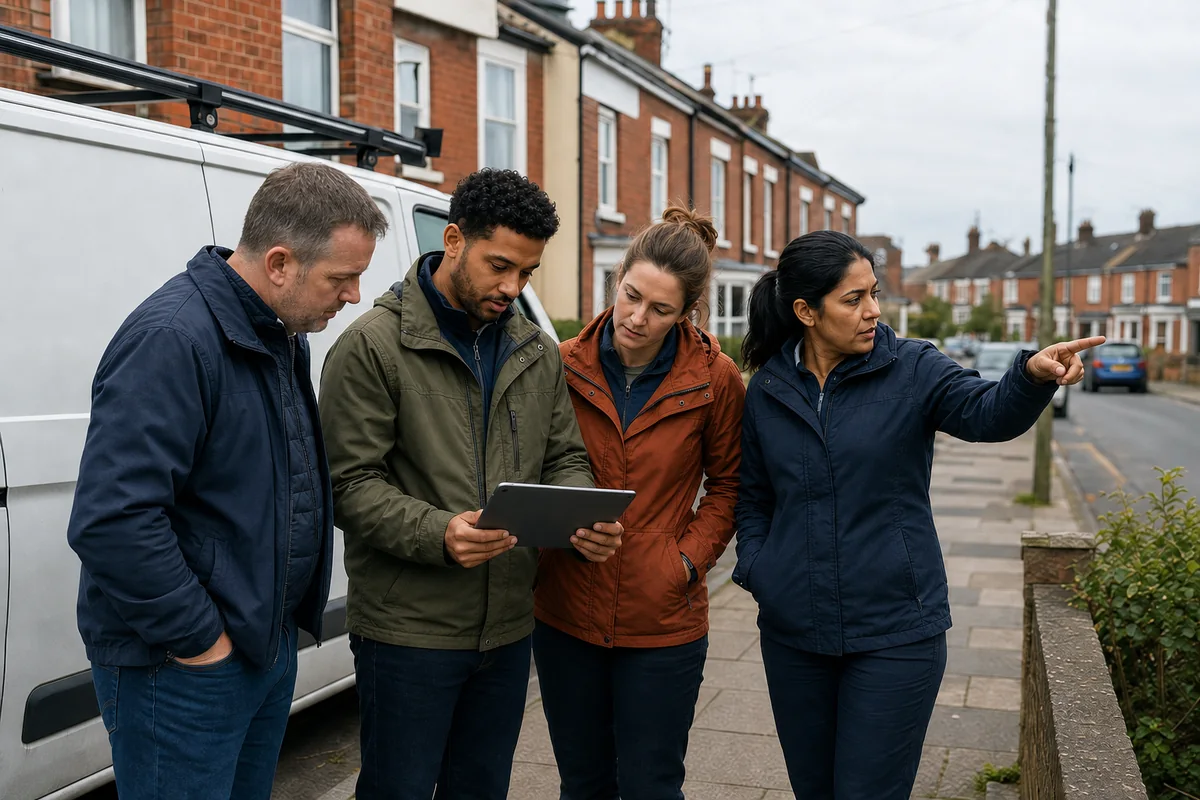
An example working day.
One named working area.
Reviewed before assignment.
Ordered for the field.
Clear responsibility and history.
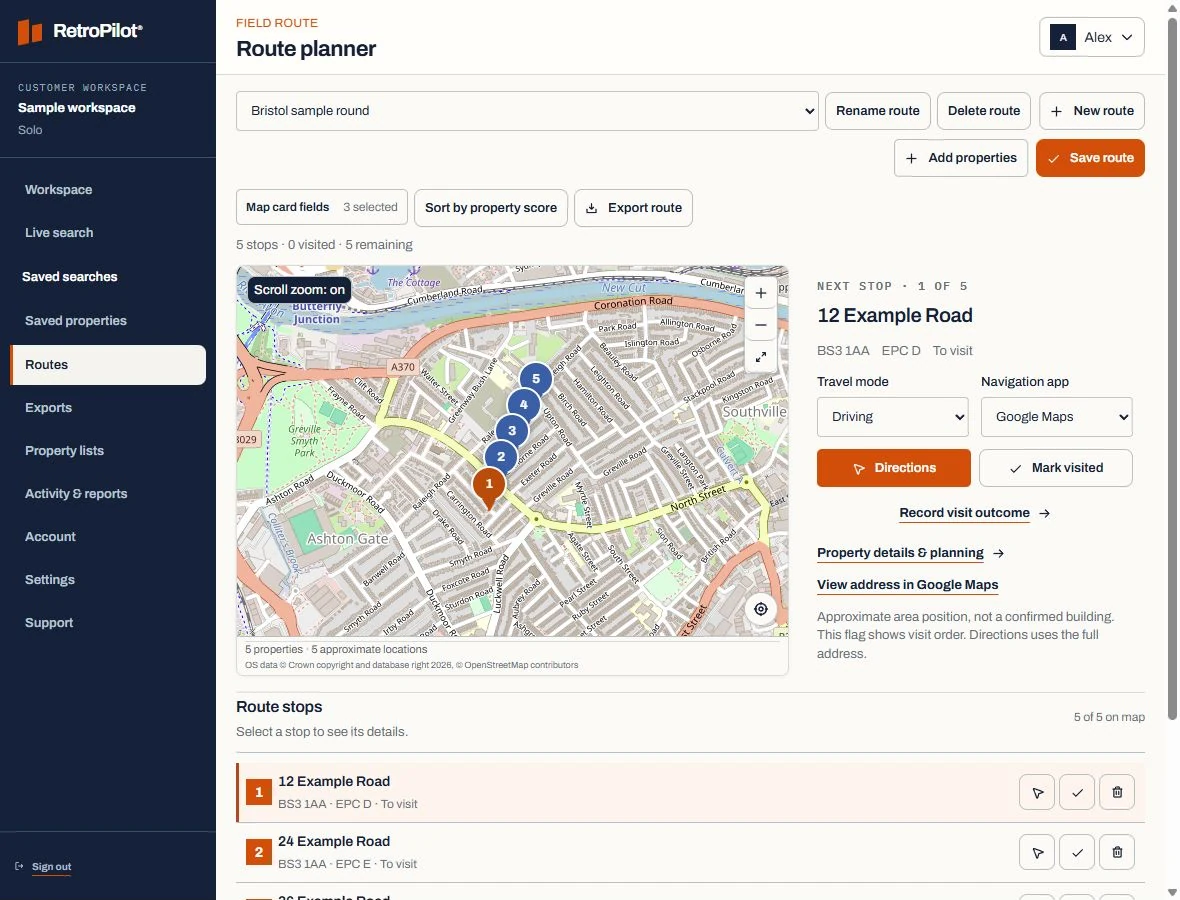
Search and plan from every Team login
Owners and workers can search for properties using the same Team credit balance. Each worker can save properties, create a route for their own visits and record what happens at the door.
See the workflowReduce duplicate effort across the team
The owner can review company activity and assign routes. A worker sees their own saved properties and assigned work, while a property already paid for by the Team uses no extra reveal credit.
Use mobile for action, desktop for planning
RetroPilot adapts the same system to the task. Desktop keeps filters and property details visible; tablets support route review; phone screens prioritise the current stop, property details and visit outcome.
Field-sales teams: planning your next visits.
How does a rep build their own round?
Searches are included while the Team has credits. Reveal and save the addresses you want to visit, then create your own route. The owner can also assign routes. Keep visit notes and follow-up dates with the properties you work on.
How does an area search become a usable territory?
Start with a postcode or operating area, apply the indicators relevant to the offer and review the resulting housing stock before saving anything. Save the useful properties together, review their recorded details and plan the stops you want to visit.
How current is the property information?
An energy certificate describes the property at its assessment date. Check that date and the available fields when reviewing a record. The Data & coverage page explains the information used by RetroPilot.
How are selected properties prepared for field work?
Every Team member can search using shared credits and build routes for their own work. Team owners can also assign routes. Open the route on your phone, get directions and record a visit outcome.
Does RetroPilot contact households for me?
No. RetroPilot provides property information and tools for organising your work. You choose which properties to approach, carry out the visits and record the results. The Data & coverage page explains the information and its limits.