Find a starting point for your heating visits.
Review the main fuel, recorded heating system, certificate date and recommended measures. Build a focused property list for boiler and heating visits.
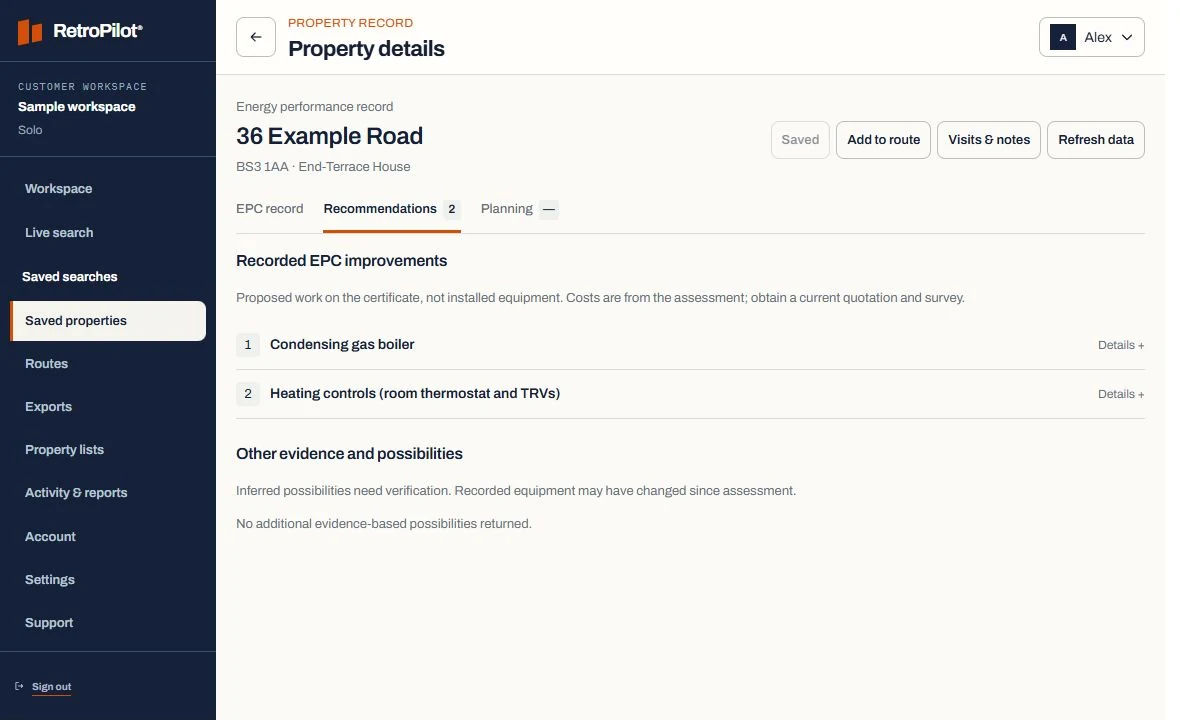
An example property record.
Recorded energy-certificate field.
Confirm appliance and installation age.
Review on the technical visit.
A prospecting indicator only.
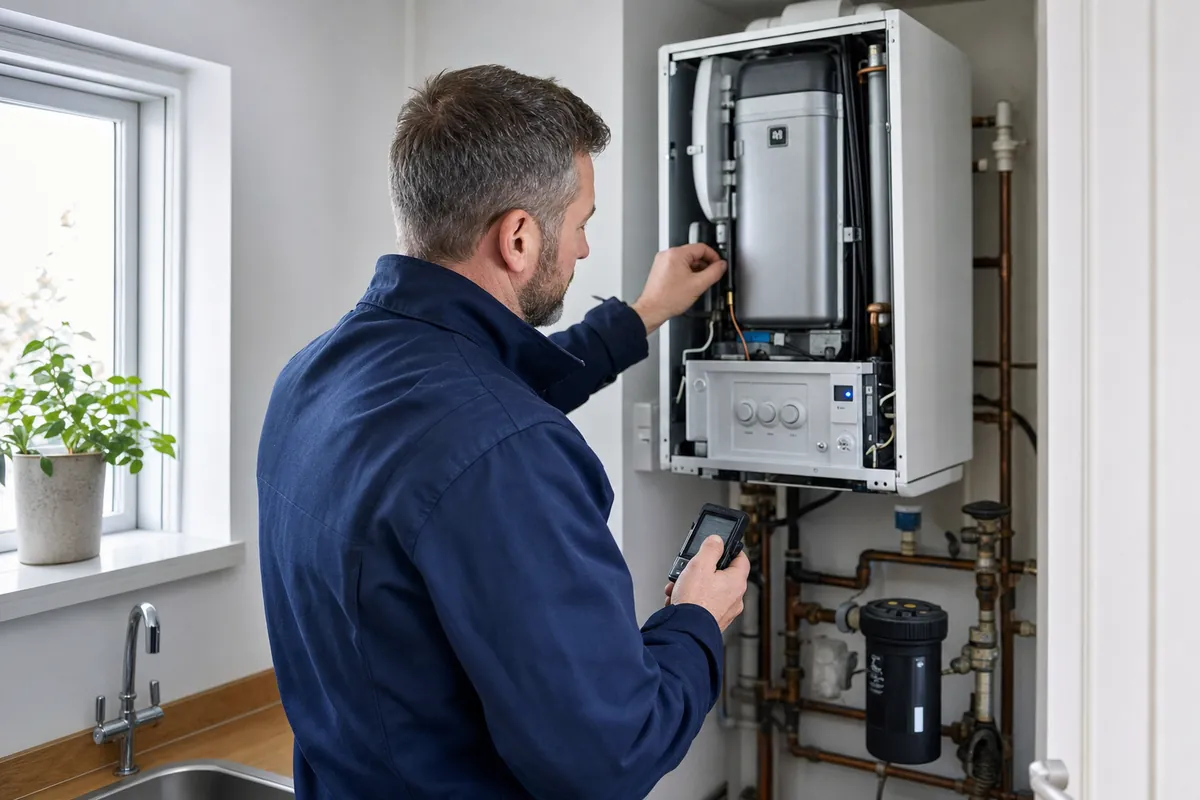
Focus on the recorded heating
Search an area and filter by energy rating, property type and heating indicators. Review the recorded fuel and system details to choose properties for your list.
See the workflowKeep the certificate date in view
See the heating details alongside the certificate date. Keep your visit notes and follow-up date with the same property record.
Plan callbacks as carefully as first visits
Turn shortlisted properties into routes, record no-answer or callback outcomes and keep the next action visible. This gives small teams continuity without adopting an oversized CRM.
Boiler and heating installers: planning your next visits.
What property details can boiler and heating installers review?
For example, review main fuel, heating, controls alongside the available certificate details. The example values on this page are illustrative. Save the records relevant to your work and confirm the current situation on a visit.
How does an area search become a usable territory?
Start with a postcode or operating area, apply the indicators relevant to the offer and review the resulting housing stock before saving anything. Save the useful properties together, review their recorded details and plan the stops you want to visit.
How current is the property information?
An energy certificate describes the property at its assessment date. Check that date and the available fields when reviewing a record. The Data & coverage page explains the information used by RetroPilot.
How are selected properties prepared for field work?
Every Team member can search using shared credits and build routes for their own work. Team owners can also assign routes. Open the route on your phone, get directions and record a visit outcome.
Does RetroPilot contact households for me?
No. RetroPilot provides property information and tools for organising your work. You choose which properties to approach, carry out the visits and record the results. The Data & coverage page explains the information and its limits.